Launching an e-commerce website without SEO is like opening a shop with no sign out front. This guide walks new e-commerce brands through choosing the right platform, designing high-converting pages, and completing a pre-launch SEO checklist—so your site is crawlable, fast, and ready to rank from day one.
Getting your e-commerce website live is exciting. But here's the uncomfortable truth: most new online stores are invisible to search engines on launch day. Not because they're poorly designed—often they look great—but because SEO wasn't baked in from the start.
The good news? It doesn't have to be that way. By treating SEO as a core part of your build process rather than an afterthought, you give your store a genuine head start. This guide covers everything from platform selection to a pre-launch SEO checklist, with a particular focus on Shopify—one of the most flexible e-commerce platforms available for UK and global small businesses.
Step 1: Choose the Right e-commerce Platform
Your platform is the foundation everything else sits on. Get this wrong and you'll be fighting against it for years.
Why Shopify is a strong choice for new e-commerce brands
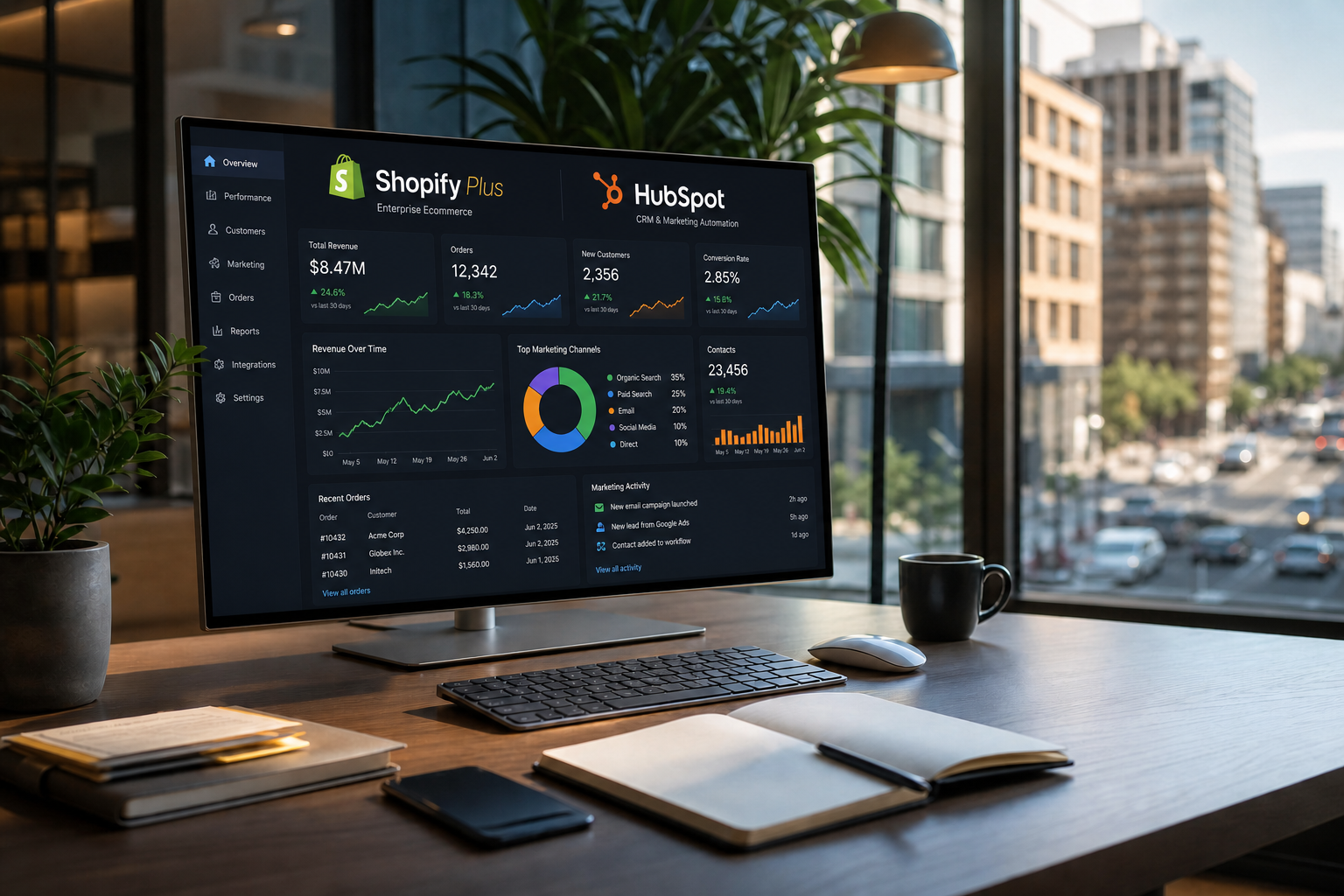
Shopify dominates the e-commerce market for good reason. It handles the technical heavy lifting—hosting, security, payment processing—so you can focus on selling. For small and medium business e-commerce development, Shopify's combination of ease of use, scalability, and SEO-friendly architecture is hard to beat.
Out of the box, Shopify gives you:
- Clean, crawlable URL structures
- Automatic sitemap generation
- Mobile-responsive themes
- Fast-loading pages (crucial for both SEO and conversions)
- SSL certificates included as standard
Beyond the basics, Shopify's App Store is where things get interesting. Third-party plugins allow you to extend your store far beyond standard product sales.
Expanding what you sell with plugins like Booqable
Not every e-commerce business sells physical products outright. If your model involves bookings, equipment hire, space rentals, or even campsite pitches, Shopify alone won't cut it—but paired with a plugin like Booqable, it absolutely can.
Booqable is a rental and booking management platform that integrates with Shopify to let you accept online bookings and rental requests directly through your store. Whether you're hiring out photography equipment, renting event spaces, or managing campsite bookings, Booqable handles availability calendars, pricing, and checkout—all within your existing Shopify setup.
From an SEO perspective, this matters because your booking and rental pages live on your domain. Every piece of content, every product listing, every category page contributes to your site's authority rather than sitting on a third-party platform.
Step 2: Design Your Key Pages for SEO and Conversions
A well-designed e-commerce site and a well-optimised one aren't mutually exclusive. These are the pages that deserve the most attention at launch.
Homepage
Your homepage should clearly communicate who you are, what you sell, and who it's for—within seconds. From an SEO standpoint, include your primary keyword naturally in the H1, write a compelling meta title and description, and avoid loading it with heavy images that slow down page speed.
Product and category pages
These are your money pages. Each product page should have:
- A unique, keyword-rich title and meta description
- Original product descriptions (never copy manufacturer text—Google penalises duplicate content)
- Alt text on all images
- Structured data markup (schema) to enable rich results in Google Search
Category pages are often neglected by new brands, but they carry significant SEO weight. Write a short introductory paragraph for each category that includes relevant keywords naturally.
About and contact pages
These build trust with both users and search engines. Google's E-E-A-T framework (Experience, Expertise, Authoritativeness, Trustworthiness) rewards sites that clearly demonstrate who is behind the business.
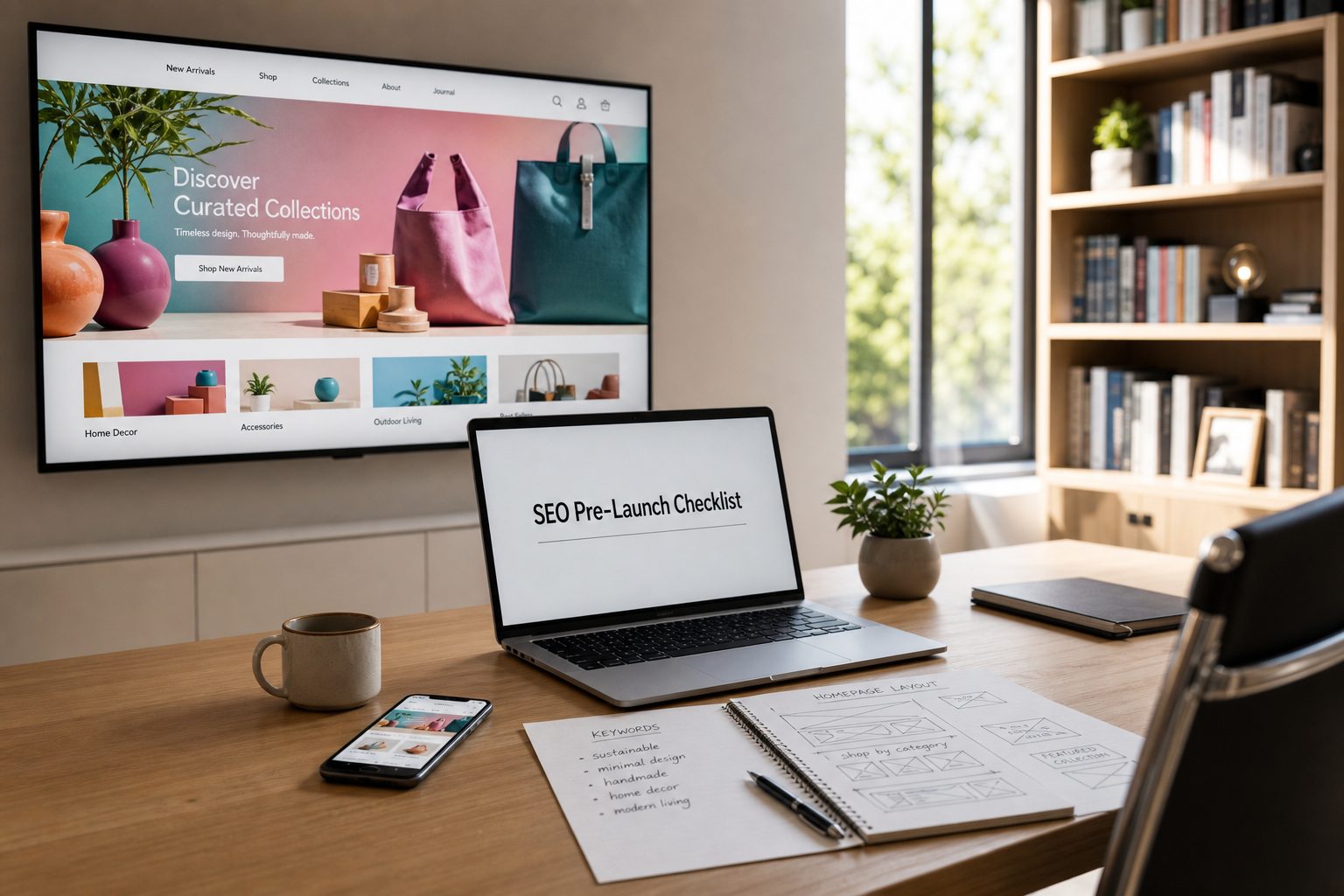
Step 3: Complete Your Pre-Launch SEO Checklist
Before you hit publish, run through this checklist. Skipping these steps is the number one reason new e-commerce websites struggle to rank.
Technical SEO essentials
- Submit your sitemap to Google Search Console — Shopify generates this automatically at yourstore.com/sitemap.xml
- Check robots.txt — Ensure you're not accidentally blocking search engines from crawling key pages
- Set your preferred domain — Decide between www and non-www, then stick to it with a 301 redirect
- Enable HTTPS — Shopify handles this, but double-check it's active across all pages
- Test page speed — Use Google PageSpeed Insights; aim for a score above 70 on mobile
On-page SEO
- Every page has a unique meta title (under 60 characters) and description (under 155 characters)
- Primary and secondary keywords appear naturally in page titles, H1s, and body copy
- Internal links connect related products and categories
- All images have descriptive alt text
Content and structure
- Your URL structure is clean and logical (e.g., /collections/camping-equipment rather than /collections/12345)
- You have at least a handful of blog posts planned, targeting questions your customers are already searching for
- Breadcrumb navigation is enabled to help both users and search engines understand your site structure
Step 4: Get Your e-commerce Website Development Right From Day One
Many small-medium business owners try to build and launch their e-commerce site themselves—and while Shopify makes this more accessible than ever, there's a real difference between a site that's live and a site that's built to perform.
Professional e-commerce website design and development services ensure your site is structured correctly from the ground up. This includes custom theme development, integration of third-party apps like Booqable, technical SEO configuration, and conversion rate optimisation. For new brands with ambitious growth targets, this investment typically pays for itself quickly.
Custom e-commerce solutions for retailers go a step further—tailoring the entire user experience to your specific product range, customer journey, and brand identity. If your business model is even slightly unusual (rentals, subscriptions, B2B wholesale), custom development is worth exploring.
What Happens After Launch?
Launch day is the start, not the finish line. SEO for a new e-commerce website is an ongoing process. Expect it to take three to six months before organic traffic begins to build meaningfully—that's normal for a new domain.
In the meantime, you should focus on:
- Publishing regular blog content targeting long-tail keywords
- Building backlinks through PR, partnerships, and supplier directories
- Monitoring Google Search Console weekly for crawl errors or indexing issues
- Continuously improving page speed and Core Web Vitals scores
If you're working with an agency providing SEO optimisation services, ensure they're reporting on rankings, organic traffic, and revenue—not just vanity metrics.
Build It Right, and the Rankings Will Follow
Launching an e-commerce website with SEO built in isn't complicated—but it does require doing things in the right order.
Choose a platform like Shopify that supports good SEO practices natively, extend its functionality with the right tools (Booqable being a standout example for rental and booking-based businesses), design your key pages with both users and search engines in mind, and complete a thorough pre-launch checklist before you go live.
The brands that rank well aren't necessarily the ones with the biggest budgets. They're the ones that started with a solid foundation.
Frequently Asked Questions
What is the best e-commerce platform for SEO in the UK?
Shopify is widely considered one of the best e-commerce platforms for SEO, particularly for small to medium-sized businesses. It generates sitemaps automatically, supports clean URL structures, and has a strong app ecosystem for extending functionality without compromising site speed.
How long does it take for a new e-commerce website to rank on Google?
A new e-commerce website typically takes three to six months to begin ranking organically, assuming SEO best practices are followed from launch. Brand-new domains take longer to build authority than established ones.
Can Shopify handle bookings and rentals as well as product sales?
Yes. With a plugin like Booqable, Shopify can manage online bookings, equipment rentals, and space hire alongside standard e-commerce. This keeps all your content and transactions on your own domain, which benefits SEO.
What is the most important SEO task before launching an e-commerce site?
Submitting your sitemap to Google Search Console is one of the most critical pre-launch steps. It ensures Google can find and index your pages quickly. Equally important is confirming that your robots.txt file isn't blocking key pages from being crawled.
Do I need a developer to launch a Shopify store?
Not always—Shopify's interface is designed for non-technical users. However, for custom e-commerce solutions, third-party integrations, or more complex SEO configurations, working with an experienced e-commerce website development service like us will produce a better result and save time in the long run.